Skip to content

Simplify Time Tracking & Attendance

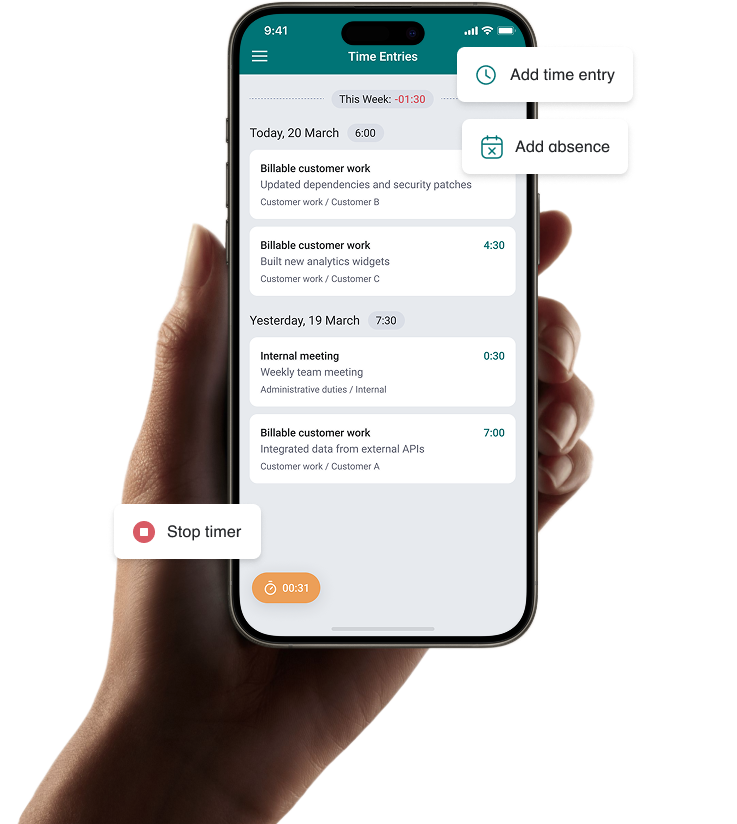
Bezala’s time tracking solution enables easy tracking and approval of working hours, project hours, and absences via a mobile app.
Book a demo

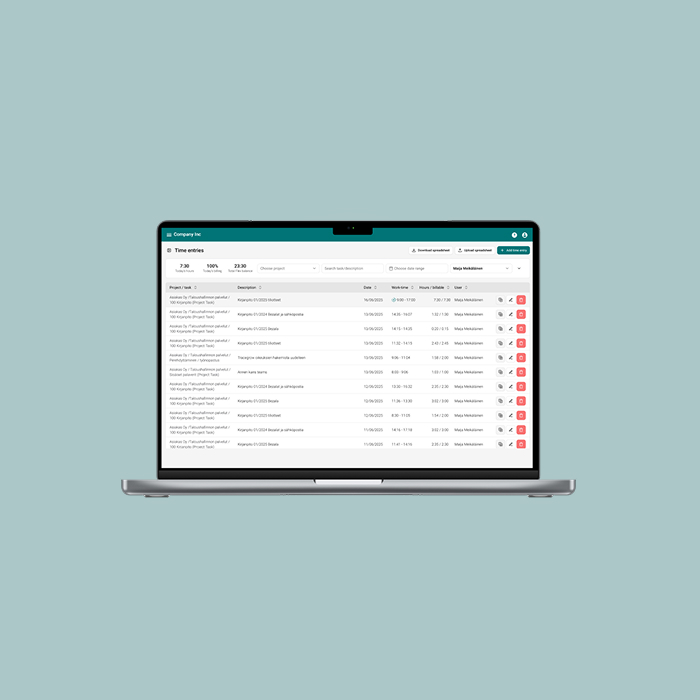
Track Working Hours and Streamline Project Billing.

Bezala’s Time & Attendance combines time entries, absences, and project hours onto the same platform as expense management, compensation and company credit cards.

Part of the Bezala platform

Time tracking is built into the same platform where you can also manage receipts, travel expenses, allowances, and company cards.

Extensive configuration options

Set company-wide and employee-specific rules for working hours, overtime, and more.

Works on all devices

Employees can log hours and managers can approve hours and absences — in the mobile app or in the browser.

Built for international companies

Country-specific working time calendars, public holidays, and leave calculations — Bezala’s time tracking can be rolled out across multiple countries in the same group.
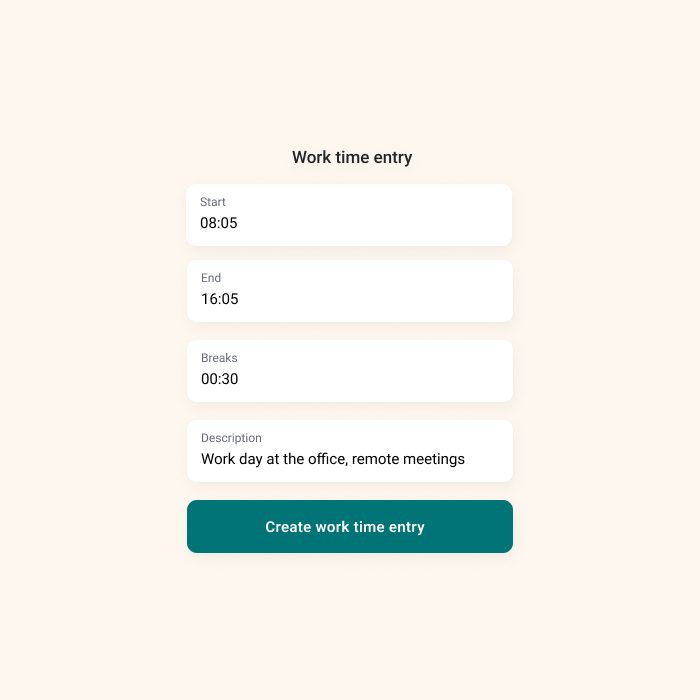
Work time.

  • Flextime balance calculated automatically: The app shows in real time how many hours have been worked relative to the agreed schedule.
  • Employee-specific settings: Flextime and other working time calculations work for part-time employees too.
  • Collective agreement settings: Configure rules that often stem from collective agreements, including overtime, additional hours, weekly overtime, Sunday work, public holiday work, and additional leave.
  • Public holidays handled automatically: Bezala adds country-specific public holidays automatically.

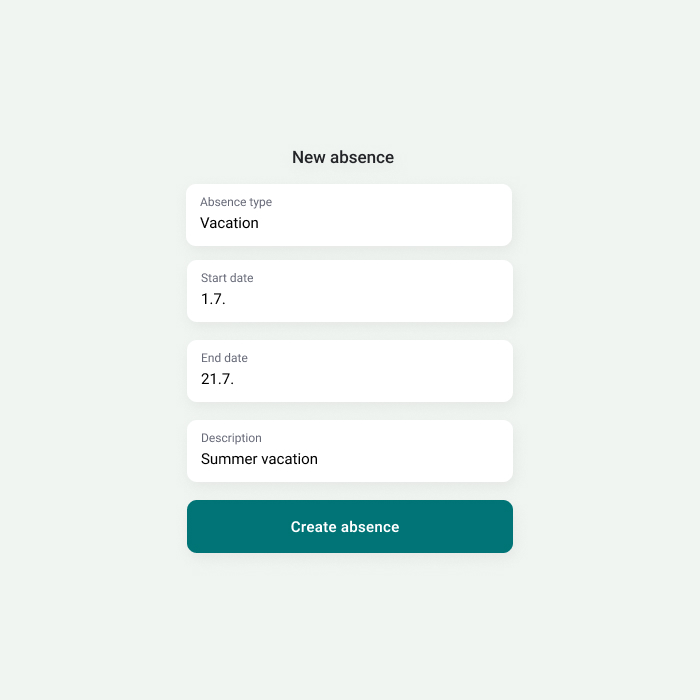
Absences.

  • Leave balance always visible: Employees can see their remaining leave days and submit requests easily.
  • Sick leave from your phone: No need to open a laptop to report an absence.
  • All absence types covered: Parental leave, unpaid leave, and other absence types can be configured per company.
  • The right approver, automatically: Approvers are assigned by absence type — annual leave goes to the line manager, extended absences to the payroll team.

Project time.

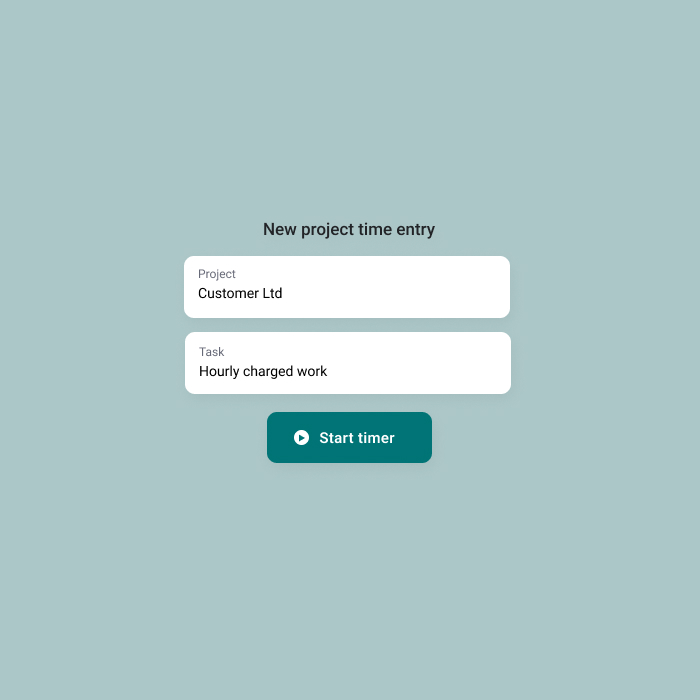
  • Allocate hours directly to projects: Log completed hours against the right client project and task in one step.
  • Use the timer: Start the timer and get to work — whether you are on-site with a client or at your desk.
  • Track your billing rate in real time: See your own and your team’s billable ratios at a glance.
  • Only relevant information is shown: Each employee sees their own entries and only the projects and tasks they are assigned to.
  • Synced with working hours: Project hours logged by an employee are automatically reflected in their flextime balance.

Used based pricing.

View pricing

Want to learn more?

Get in touch, and we’ll discuss your organization’s needs and explore together how Bezala could help – or download a brochure to learn more at your own pace first.

Customer support

Need help? Don’t hesitate to reach out—our team is here for you! Open Monday-Friday 9 am to 3 pm (Helsinki time zone).

Help center