
Flexible working hours tracking directly affects payroll calculations by changing how overtime, bonuses, and deductions are computed. Instead of fixed daily or weekly hours, payroll systems must calculate pay based on actual hours logged, reference periods, and agreed thresholds. The accuracy of those calculations depends entirely on how well time data is captured, validated, and transferred to payroll. The sections below address the most common questions finance teams and HR professionals face when managing flexible hours payroll.
What types of working hours arrangements count as flexible?
Flexible working hours arrangements are any schedules where employees have discretion over when they start, finish, or distribute their working time, provided they meet an agreed total within a defined period. This includes flexitime, compressed workweeks, annualized hours contracts, and hybrid arrangements that combine fixed core hours with variable start and end times.
The most common arrangement is flexitime, where employees must be present during a core window but can bank or borrow hours around it. A compressed workweek, such as four ten-hour days instead of five eight-hour days, is also considered flexible because daily hours deviate from the standard. Annualized hours contracts go further, distributing a fixed annual total unevenly across the year to match business demand.
For payroll purposes, what matters is whether the arrangement uses a reference period longer than a single day. When it does, overtime and underpayment calculations shift from a daily basis to a weekly, monthly, or even annual basis, which changes almost every downstream payroll calculation.
How does flexible hours tracking change overtime calculations?
Flexible hours tracking changes overtime calculations by moving the trigger point away from a fixed daily threshold and toward a reference period total. Rather than calculating overtime whenever an employee exceeds eight hours in a single day, payroll calculates it when the employee exceeds the agreed total for the entire reference period, which could be a week, month, or quarter.
This shift has significant practical consequences. An employee who works ten hours on Monday and six hours on Tuesday has not necessarily earned overtime because the two days may balance out within the weekly reference period. Payroll software must therefore accumulate hours across the full period before applying overtime rates, rather than triggering them on a day-by-day basis.
Banked hours and time off in lieu
Many flexible arrangements allow employees to bank surplus hours and take them as time off in lieu rather than receiving overtime pay. Payroll must track the running balance of banked hours separately, ensure it does not exceed any contractual cap, and correctly account for the liability on the balance sheet. If banked hours expire or are paid out, the payment must reflect the rate at which they were earned, not the current rate.
Overtime thresholds set by contract versus law
Contractual overtime thresholds and statutory overtime thresholds are not always the same. An employment contract may set overtime at 37.5 hours per week, while local law may only mandate premium pay above 40 hours. Payroll teams must apply whichever threshold is more favorable to the employee and ensure the time tracking system feeds data to the correct calculation rule. Misaligning these thresholds is one of the most common sources of payroll error in flexible work environments.
What happens to payroll accuracy when time data is missing or late?
When time data is missing or submitted late, payroll accuracy deteriorates because the system must either estimate hours, delay payroll runs, or process corrections retroactively. Each of these outcomes creates administrative cost, employee dissatisfaction, or compliance risk. Late time entries are the single most common cause of payroll corrections in organizations with flexible working arrangements.
The downstream effects compound quickly. A missing timesheet for one employee can delay the entire payroll run if the finance team requires complete data before processing. Alternatively, if payroll runs on schedule with estimated hours, the correction cycle in the following period creates double handling and increases the risk of underpayment or overpayment going unnoticed.
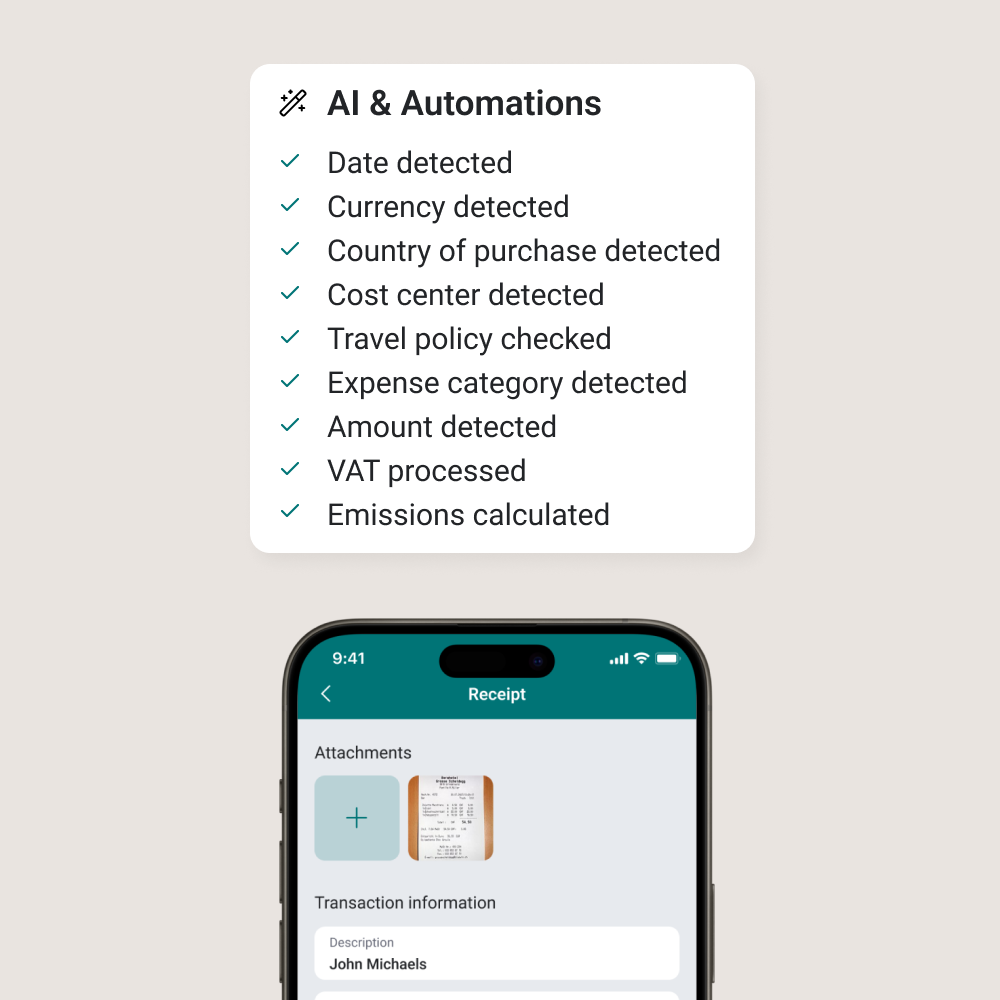
Automated reminders significantly reduce this problem. Platforms that send employees notifications when a timesheet is incomplete or a credit card receipt is missing remove the reliance on manual chasing. For organizations where time tracking and expense management sit on the same platform, the reminder logic can cover both simultaneously, reducing the total number of missing data points before payroll close.
How do different countries handle flexible hours in payroll compliance?
Different countries handle flexible hours in payroll compliance through distinct legal frameworks that govern reference periods, overtime thresholds, rest requirements, and record-keeping obligations. There is no single European or global standard, which means multinational organizations must apply country-specific rules to each local payroll even when running a centralized platform.
In Finland, the Working Hours Act sets the framework for flexible working time arrangements, including the maximum accumulation of surplus hours and the obligation to keep accurate records for each employee. In Sweden, the Working Hours Act similarly defines ordinary working time and overtime thresholds, but the specific collective agreement covering an employee often overrides the statutory defaults. German law under the Arbeitszeitgesetz focuses heavily on daily rest periods and maximum daily hours, which affects how flexible schedules can be structured even when weekly totals are compliant.
Outside the Nordics and Germany, rules vary further. Some countries calculate overtime on a daily basis regardless of any reference period agreement, while others allow annualized averaging but require employer registration with a labor authority. The practical implication for payroll teams is that a time tracking configuration valid in one country may produce non-compliant payroll outputs in another.
Organizations operating across multiple jurisdictions benefit from platforms that allow country-level configuration of approval flows, overtime rules, and reporting formats. Bezala, for example, allows organizations to tailor settings and approval flows for each country individually, which reduces the risk of applying a single rule set across legally distinct environments.
What tools connect time tracking directly to payroll processing?
Tools that connect time tracking directly to payroll processing are integrated workforce management platforms or time-and-attendance modules that export validated hours data in a format payroll systems can consume without manual rekeying. The connection can be a native integration, an API, or a scheduled file export, depending on the systems involved.
The most effective setups eliminate the gap between where hours are recorded and where they are processed. When employees log hours in the same platform that feeds payroll, there is no manual transcription step where data can be altered, lost, or delayed. Validated, approved hours flow directly into payroll calculations, reducing both processing time and error rates.
Key capabilities to look for in a time tracking tool that will connect to payroll include:
- Real-time visibility for managers so that hour balances and billable hours can be reviewed before payroll close, not after
- Automated approval workflows that require manager sign-off before hours are locked and exported
- Integration with established payroll and ERP systems such as NetSuite, Business Central, Netvisor, or Procountor
- Mobile entry for employees so that hours can be submitted immediately, not reconstructed from memory at week’s end
- Absence management in the same interface so that leave, sick days, and public holidays are reflected in the same data set that feeds payroll
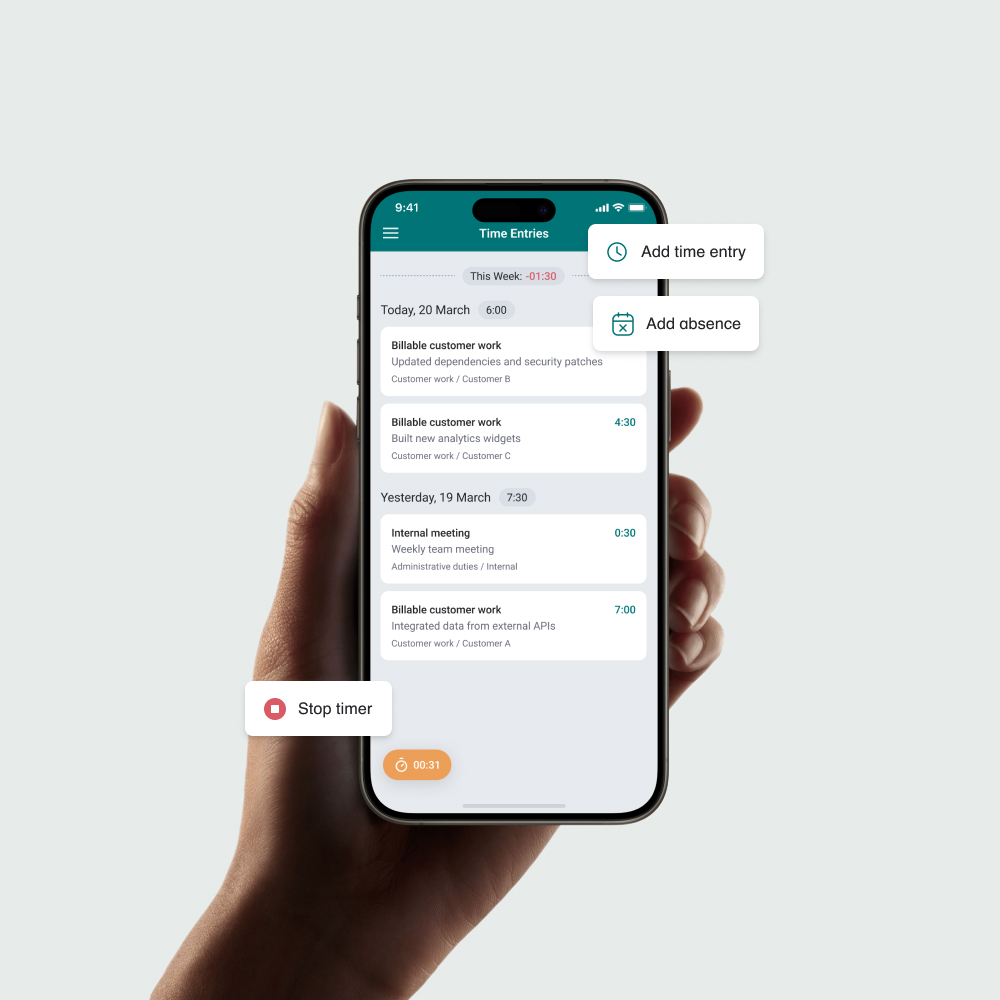
Bezala’s Time and Attendance service combines hour logging, project tracking, and absence reporting on a single platform, with the same application also handling expense management. Employees can log hours from a phone or browser, and managers get real-time visibility into hour balances before data flows downstream to payroll. For finance teams managing flexible work hours payroll across multiple countries, having time tracking and expense data in one place reduces the number of systems that need to be reconciled before each payroll run.
This content was generated with the help of AI and it may contain mistakes